


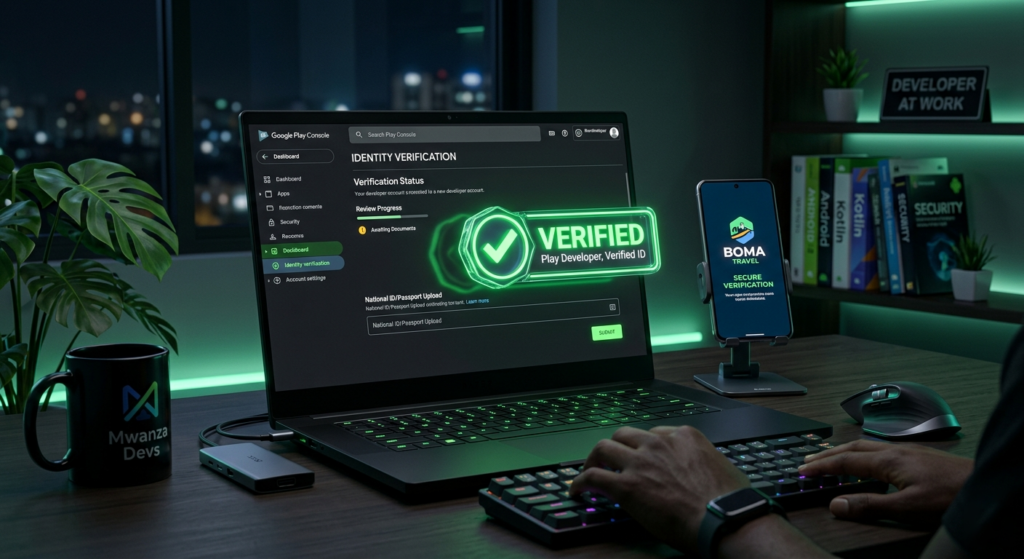
The Android ecosystem is evolving fast, and trust is becoming everything. To improve platform security and protect users, Android developer verification is now being rolled out to all developers across the Play Console and Android Developer Console.
If you’re building apps, monetizing with ads, or planning to scale your digital product, this update is not optional anymore it’s a must.
Let’s break it down in a simple, real world way.
What is Android Developer Verification?
Android Developer Verification is a process where Google requires developers to confirm their identity before publishing or updating apps.
This system is designed to:
- Reduce fake or malicious apps
- Improve user trust
- Ensure accountability among developers
- Strengthen the overall Android ecosystem
In short: Google wants to know who is behind every app.
What’s New in the Rollout?
Google is now expanding verification to all developers, not just new accounts.
Key updates:
- Mandatory identity verification for all Play Console users
- Applies to both individual and organization accounts
- Required for publishing new apps or updates
- Some existing apps may be restricted until verification is completed
This rollout affects developers globally, including those in Tanzania and across Africa.
What You’ll Need for Verification
To complete the process smoothly, prepare the following:
For Individual Developers:
- Government-issued ID (National ID, Passport, or Driver’s License)
- Legal name matching your Play Console account
- Phone number verification
For Business/Organization Accounts:
- Business registration documents
- Official company address
- Website or online presence
- Authorized representative details
💡 Tip: Make sure your documents are clear and valid blurry uploads can delay approval.
What Happens If You Don’t Verify?
Skipping verification can seriously affect your apps:
- App updates may be blocked
- New app publishing restricted
- Monetization (AdMob, in-app purchases) may be paused
- Possible account suspension in extreme cases
So yeah… this is something you don’t want to ignore.
Why This Matters (Especially for African Developers)
For developers building from regions like Tanzania, this update is actually a win:
- Builds credibility in global markets
- Reduces competition from spam/scam apps
- Helps legit developers stand out
- Improves chances of getting approved for ads and monetization
If you’re serious about apps (especially with AdMob or multi-ad networks), verification increases trust signals.
Step-by-Step: How to Complete Verification
- Log in to your Play Console
- Navigate to Account Details / Developer Profile
- Click on Verify Identity
- Upload required documents
- Complete phone/email verification
- Wait for Google review (usually a few days)
Impact on App Monetization & Growth
Verified developers are more likely to:
- Gain user trust → more downloads
- Avoid policy strikes
- Maintain stable AdMob earnings
- Scale apps without interruptions
This is especially important if you’re running:
- Blogger-based apps
- News apps
- Music apps
- Classified platforms
🔍 SEO Keywords (you can paste in your site)
android developer verification, play console verification, google developer verification 2026, android developer console update, verify play console account, google play policy update, app developer identity verification, admob verification requirements, android app publishing rules, play store developer requirements
Final Thoughts
Android Developer Verification is not just another policy — it’s a shift toward a safer and more professional app ecosystem.
If you’re building apps for the long term, this is your moment to level up and operate like a real digital business.
👉 The earlier you verify, the smoother your growth journey will be.